
Metadata Tab: Read File-Level Metadata with MediaInfo, ffprobe & ExifTool
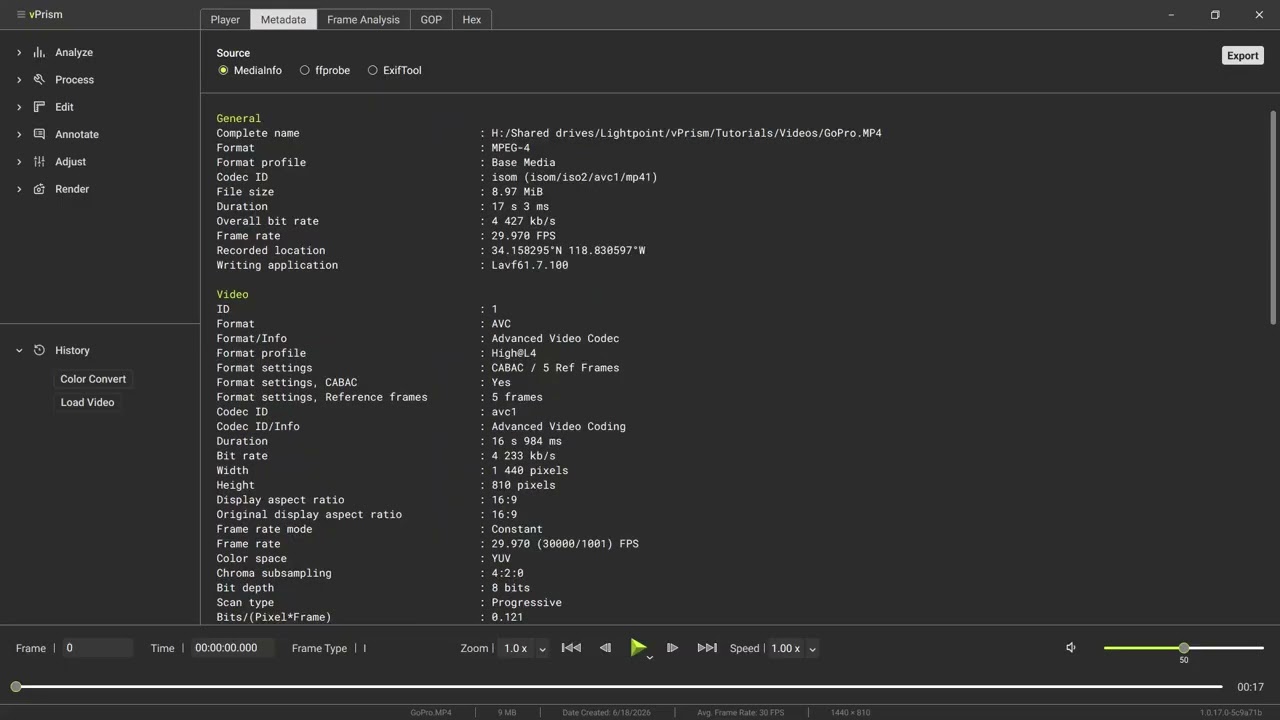
Analyze a video's file-level metadata in vPrism using three analytical engines: MediaInfo, ffprobe, and ExifTool. Learn how to read bitrate, frame rate, frame rate mode, colorspace, codec information, creation dates, and more, then export each report as a .txt or .csv file.
Transcript
If you want to analyze a video's file-level metadata, load the video and click on the Metadata tab.
From there, you have access to three analytical engines: MediaInfo, ffprobe, and ExifTool.
All three will report slightly different information, so it's worth examining each report to inform your evaluation.
You will find information regarding bitrate, average frame rate, frame rate mode, colorspace details, codec information, creation dates, and more.
Data from each engine can be exported as a .txt or .csv file for further analysis or specific formatting.
Together, these three engines give you a thorough picture of a file's metadata.