

vPrism Tutorials
Master the core workflows of vPrism. Learn to navigate timing, analyze macroblocks, and apply a forensic video toolset engineered to transform raw footage into trusted, verified evidence.
Learn how to use vPrism Step-by-Step
Start your vPrism experience here. Browse our tutorials to learn everything from importing your first video to exporting processed frames. vPrism is constantly evolving, and these tutorials are updated regularly so you always have the most current workflows and features.
Start Here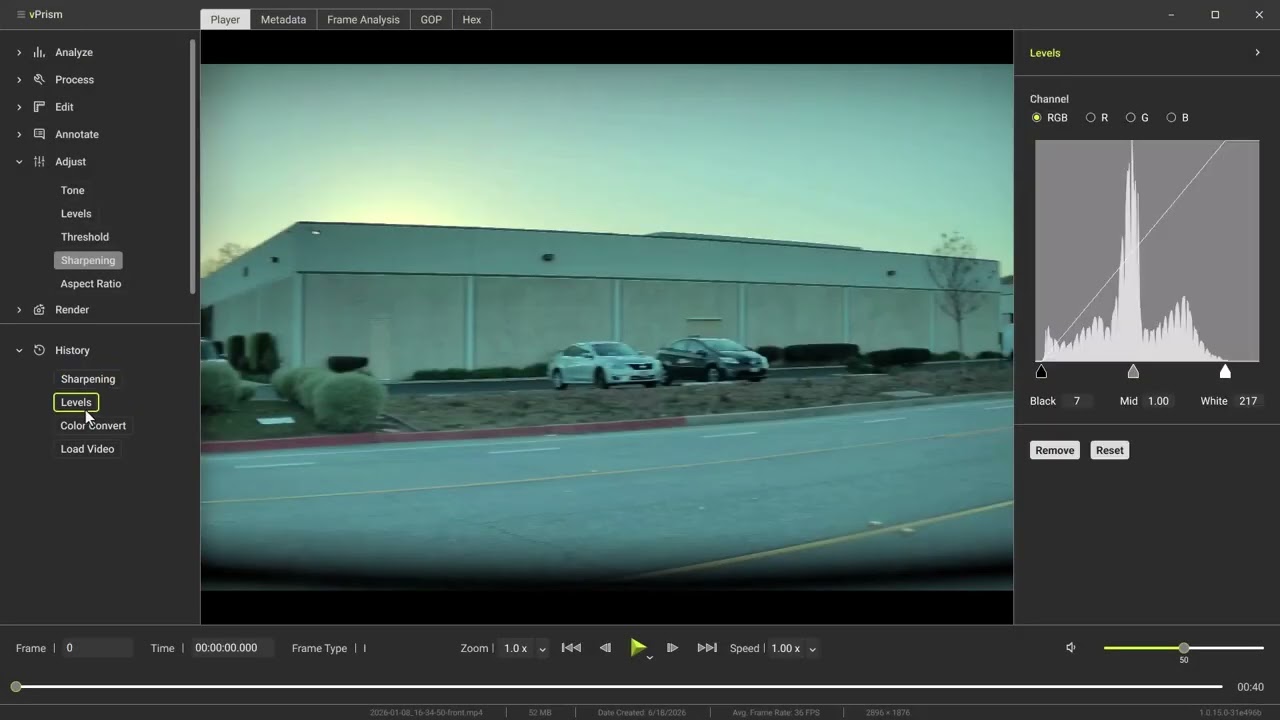
Skip to the tutorial you need
User Interface: A Tour of the Workspace
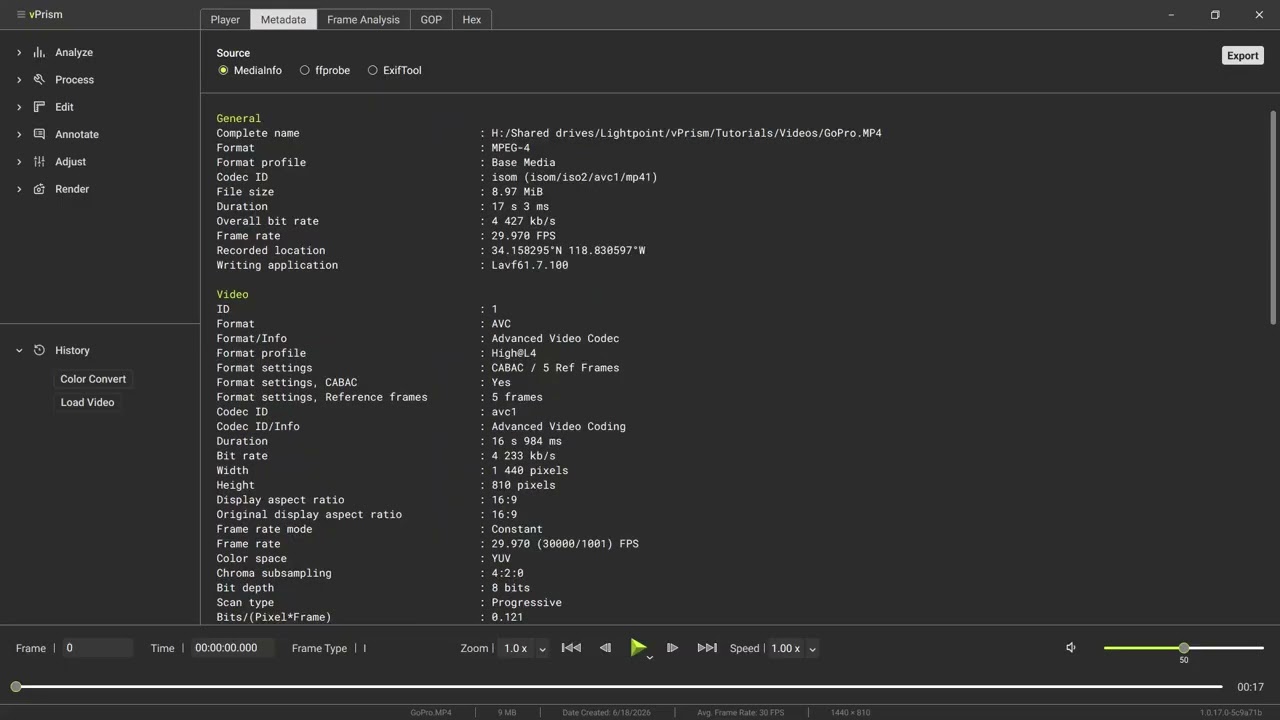
Metadata Tab: Read File-Level Metadata with MediaInfo, ffprobe & ExifTool
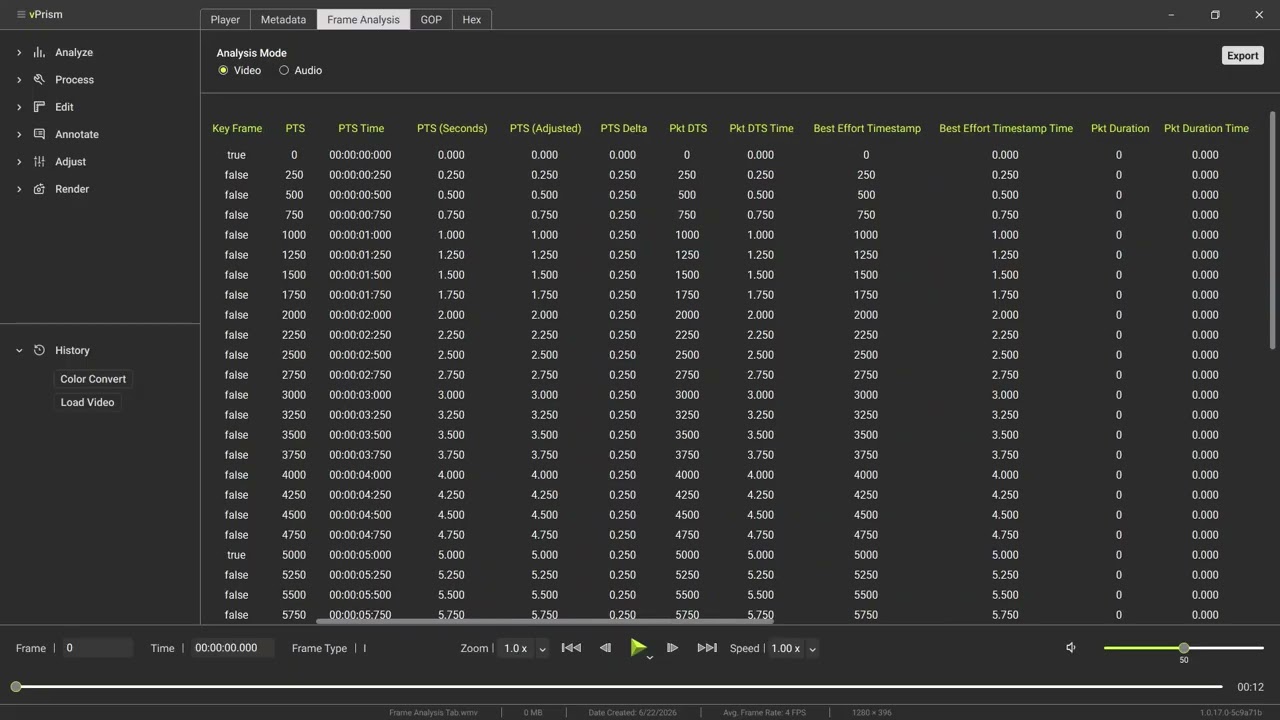
Frame Analysis Tab: Inspect Frame-Level Metadata

GOP Tab: Analyze Video Frame Structure
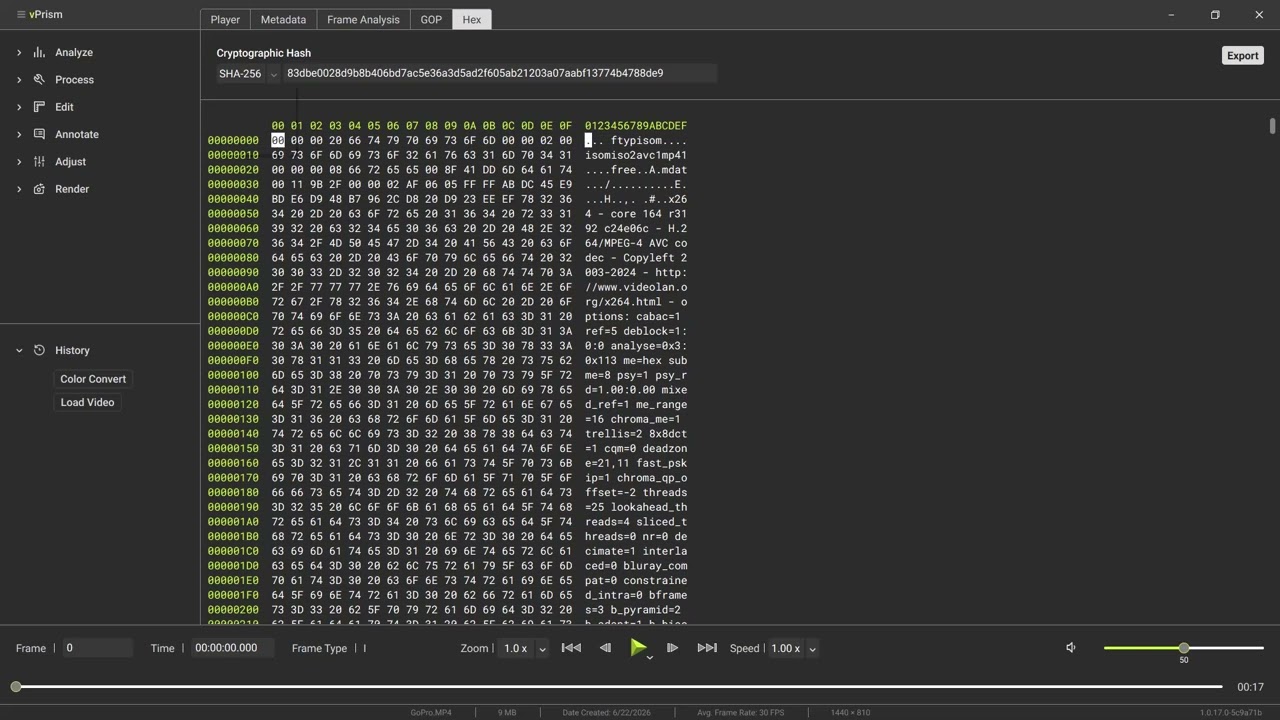
Hex Tab: Verify File Integrity with Hash Values

Macroblock Analysis: Visualize How the Encoder Built Each Frame
Coming soon
Perspective: Correct Camera Perspective

Deinterlace: Remove Comb Artifacts from Interlaced Video

Crop, Rotate & Flip: Frame and Orient Your Video

Resize: Scale Video with Quality Interpolation

Trim: Isolate a Frame Range Non-Destructively

Frame Info: Overlay Frame Type and Timing

Tone & Levels: Reveal Detail in Over- or Underexposed Footage

Sharpening: Unsharp Mask vs. Contrast Adaptive Sharpening

Aspect Ratio: Fix Stretched or Squeezed Footage

Export Frames: Render Exhibits and Stills

Convert: Rewrap vs. Transcode Explained
No tutorials match your search.