

vPrism
See what the video really says. vPrism is forensic video analysis software designed by a practitioner and engineered with Videolabs, the team behind VLC. Examine frame timing, metadata, and file structure with a complete record of every action.
Designed by Lightpoint. Engineered by Videolabs.
vPrism was designed by a working forensic analyst and engineered with Videolabs, the team behind VLC. It combines real-world forensic workflow with deep video engineering expertise in one modern analysis tool.
The result is a focused interface built around the way practitioners actually work. No bolted‑on features. No unnecessary complexity. Purpose‑built for forensic video analysis.

Forensically Sound from the Start
There's more in the file than the images. vPrism examines metadata at the file level and the frame level, across multiple analysis engines, all in one place. See the timing of every frame, not just the average frame rate, and verify integrity with hash values.
Behind it all, vPrism keeps a complete history. Every action is logged from the moment a file is opened to the final export.
Key Features

Reliable Playback
Built with the team behind VLC, vPrism supports a wide range of formats, with new ones engineered on request.

Frame-Level Timing
See the detailed timing of every frame, not only the average frame rate, and play video per PTS or using an averaged frame rate.

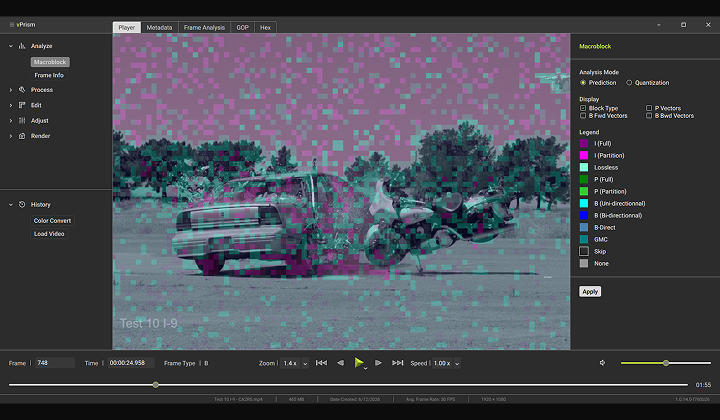
Macroblock Analysis
Visualize how the encoder handled each region in the frame with graphical macroblock overlays.
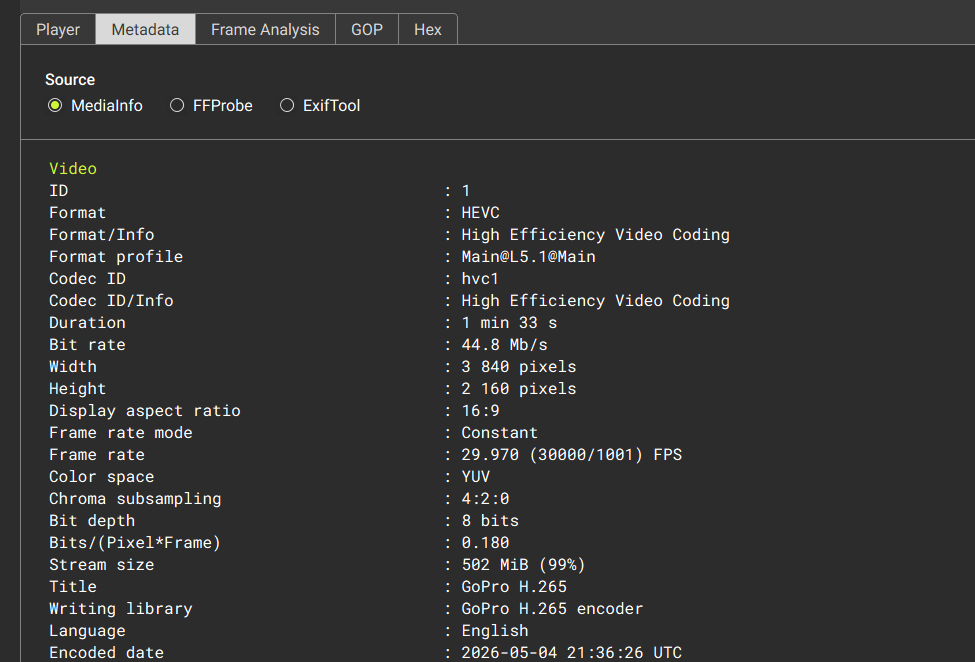
Deep Metadata
Examine file-level and frame-level metadata, across multiple analysis engines, all in a single interface.

Forensic History
Every action is logged automatically, and files can be hashed with the SHA-256, SHA-1, or MD5 algorithms.

Court-Ready Exports
Export lossless frames with overlaid frame data, plus GOP reports, metadata, and hash values to support your analysis.
The Complete Toolkit
Playback and Navigation
- Robust playback of 350+ formats
- Playback per PTS or avg. frame rate
- Live PTS and frame type (I, P, B)
- Variable playback speed
- Zoom
- Frame-by-frame navigation
Analysis
- Macroblock analysis with graphical overlays
- File-level metadata from multiple engines
- Frame-level metadata and timing
- GOP structure analysis
- Hex-level examination
Enhancement
- Deinterlacing
- Perspective adjustment
- Cropping, rotation, and resizing
- Aspect ratio correction
- Tone adjustment
- Sharpness adjustment
Export and Integrity
- Lossless frame exports
- Frame info overlays
- Rewrapping and transcoding
- Hash values via SHA-256, SHA-1, and MD5 algorithms
- Complete action history
Always Moving Forward
Need something you don't see? Request a feature +
vPrism in Action
We Know What It’s Like…
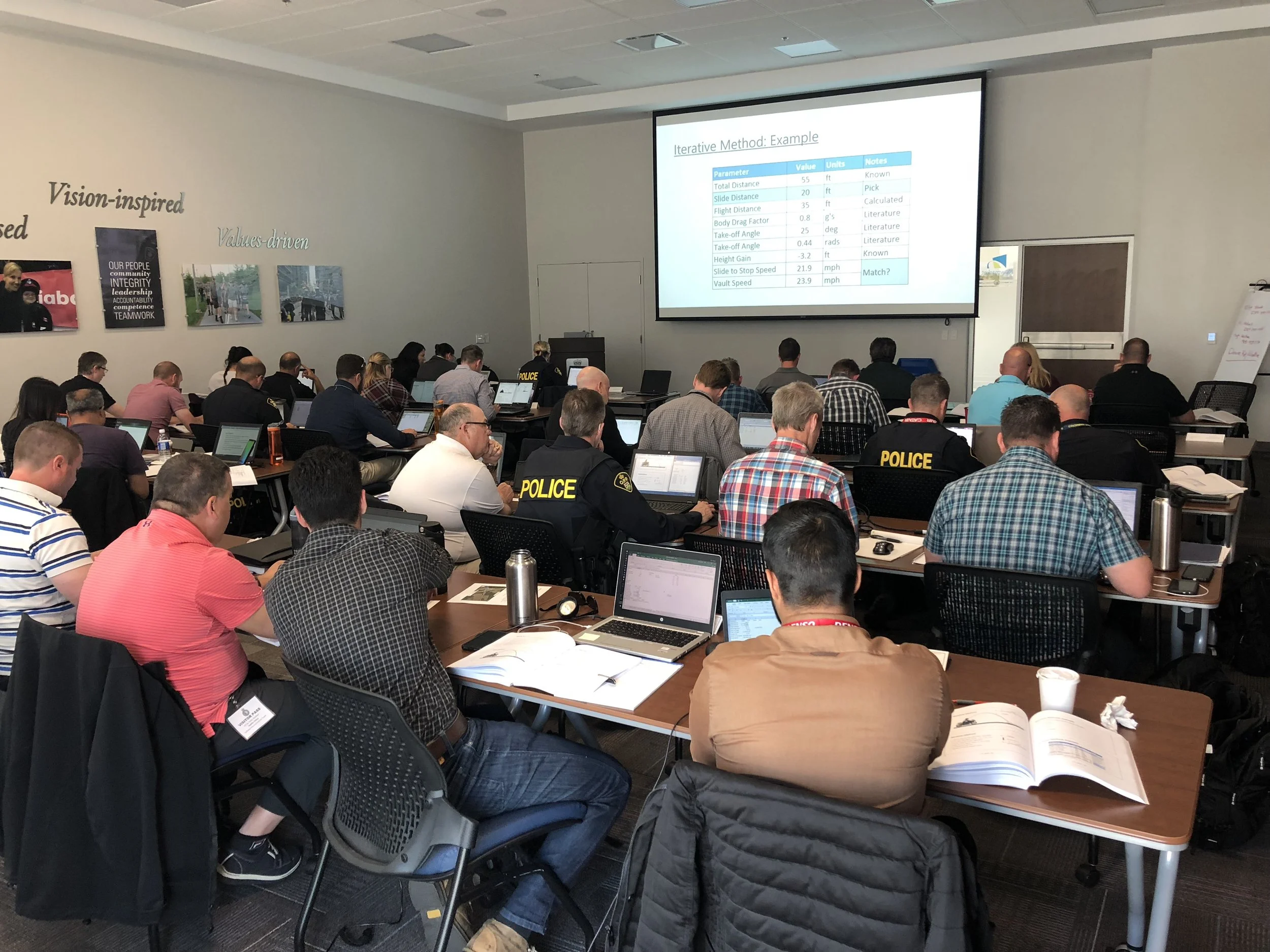
We attend the same conferences, work the same cases, and teach the next generation of analysts. We run into the same problems you do. That's why vPrism's roadmap is driven by practitioners, not release schedules. When users need a capability, we build it. When a proprietary format isn’t supported, our engineers can develop it.
Licensing is built around that same reality. vPrism licenses float between machines, so the software follows the work instead of being locked to a single computer or a dongle in a drawer. And when support is needed, a real person who knows this field answers.